# Local account activation
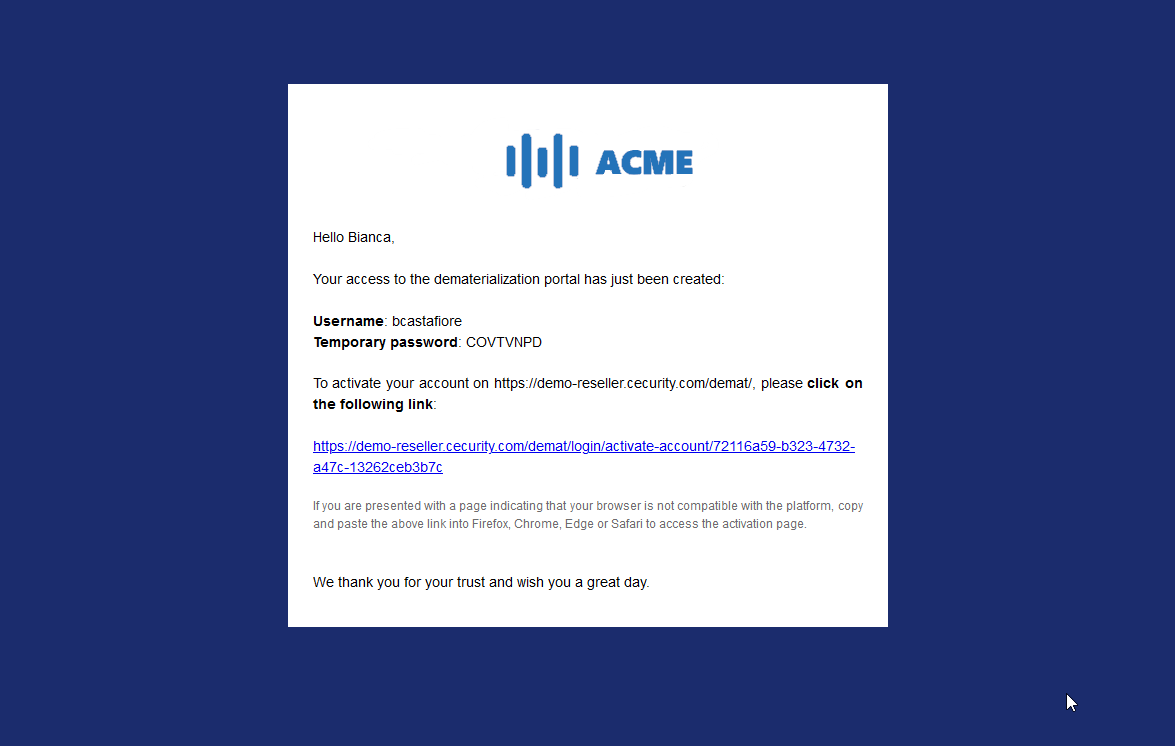
To allow you to connect for the first time to the platform, you will receive an email containing :
- Your login
- Your temporary password necessary for activation
- The URL to connect to the platform
- A button referring to the activation link of your account.
# Local account activation email
Make a note of the username and temporary password and then go to the activation page by clicking on the ACTIVATION LINK button.
# Local account activation page
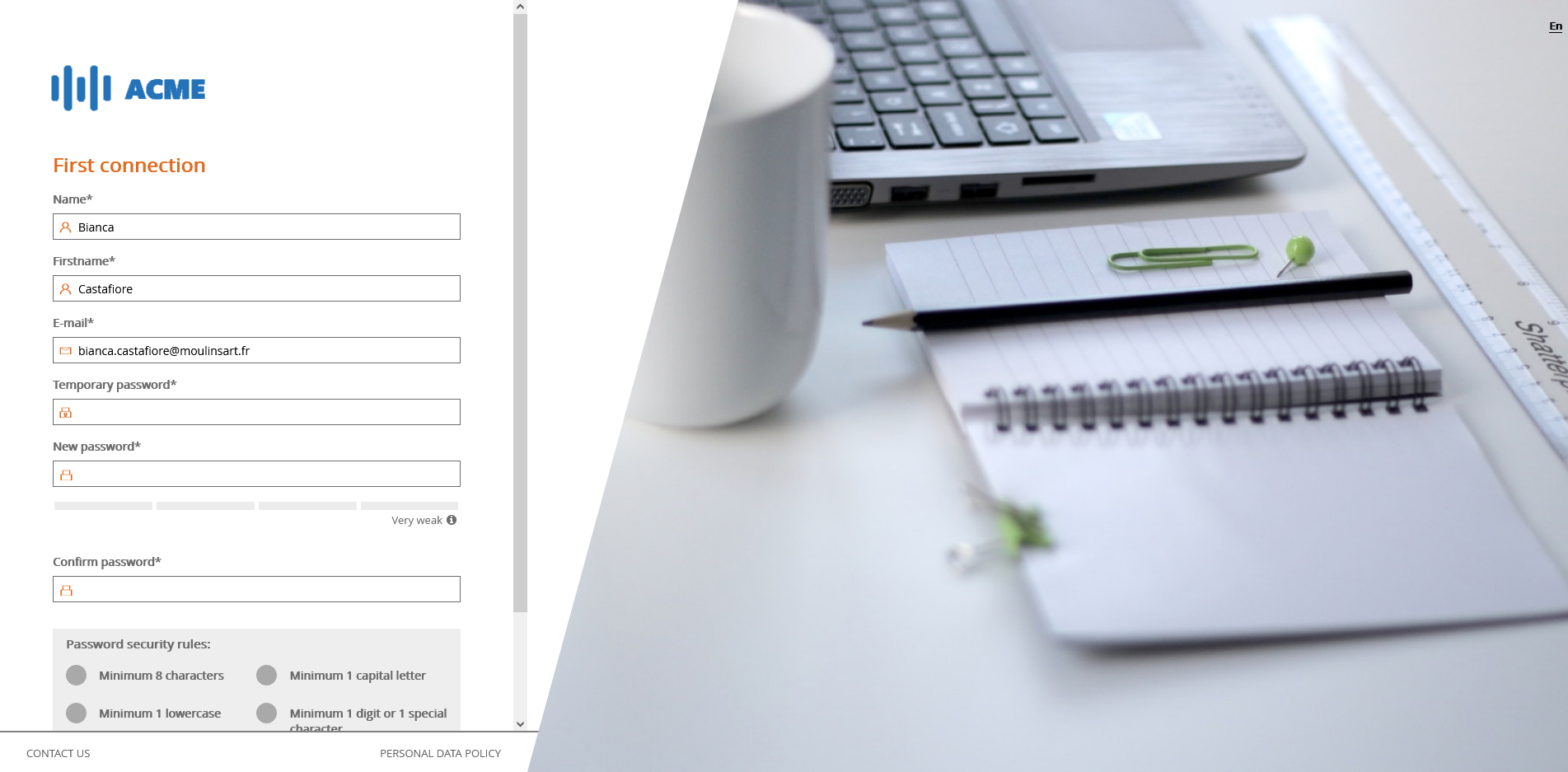
Once on the activation page, check that the pre-filled information is correct, correct it if necessary, then indicate the temporary password contained in the email you received as well as the password you wish to use to connect to the platform. Then click on the Save button.
💡 Reminder
To be accepted, your password must meet all of the conditions displayed on the screen. This is to ensure the security of your account.
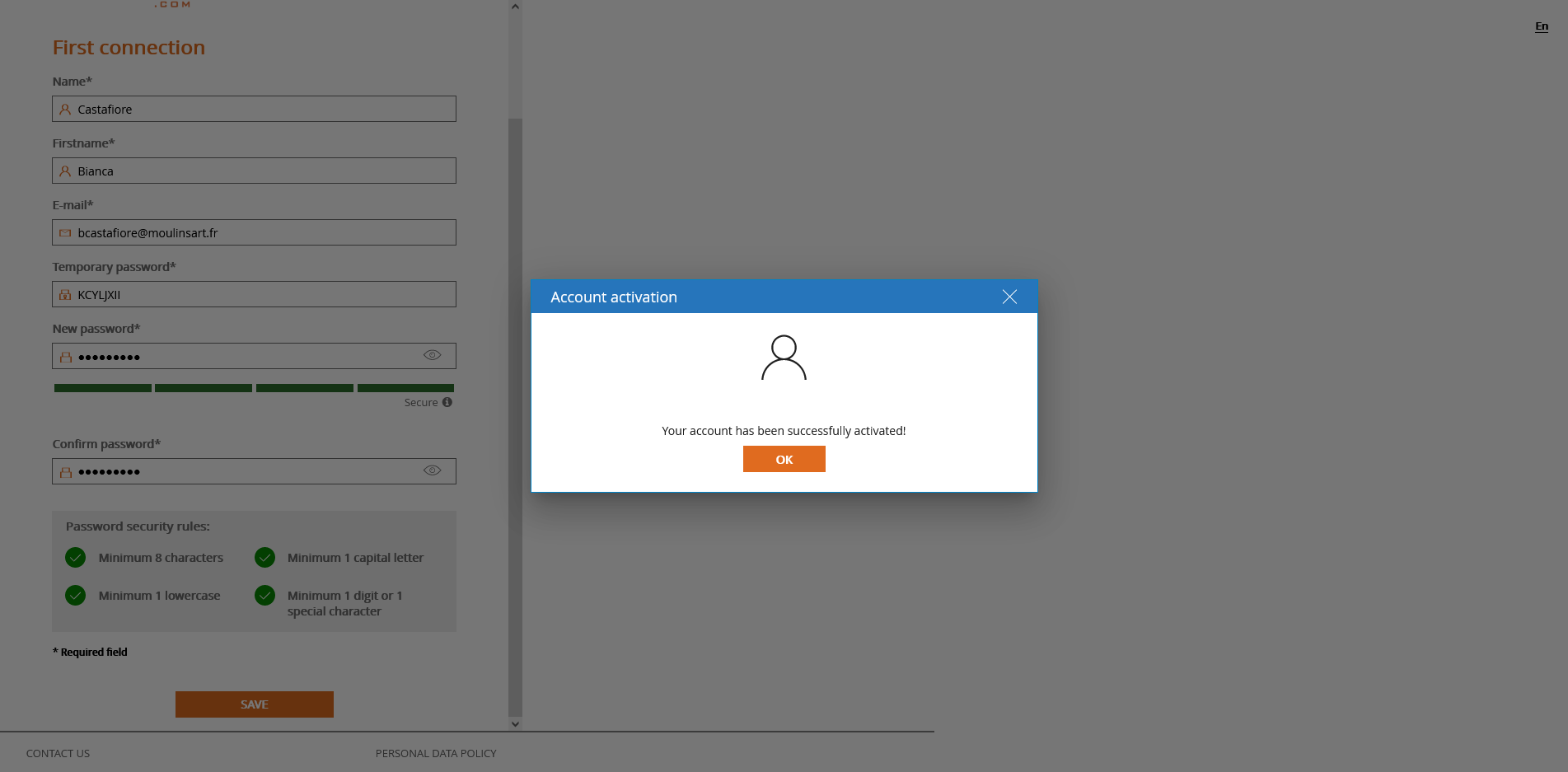
Then click OK on the account activation confirmation window
# Local account activation confirmation window
Once on the login page, enter your login and the personal password you have just entered to access the platform.
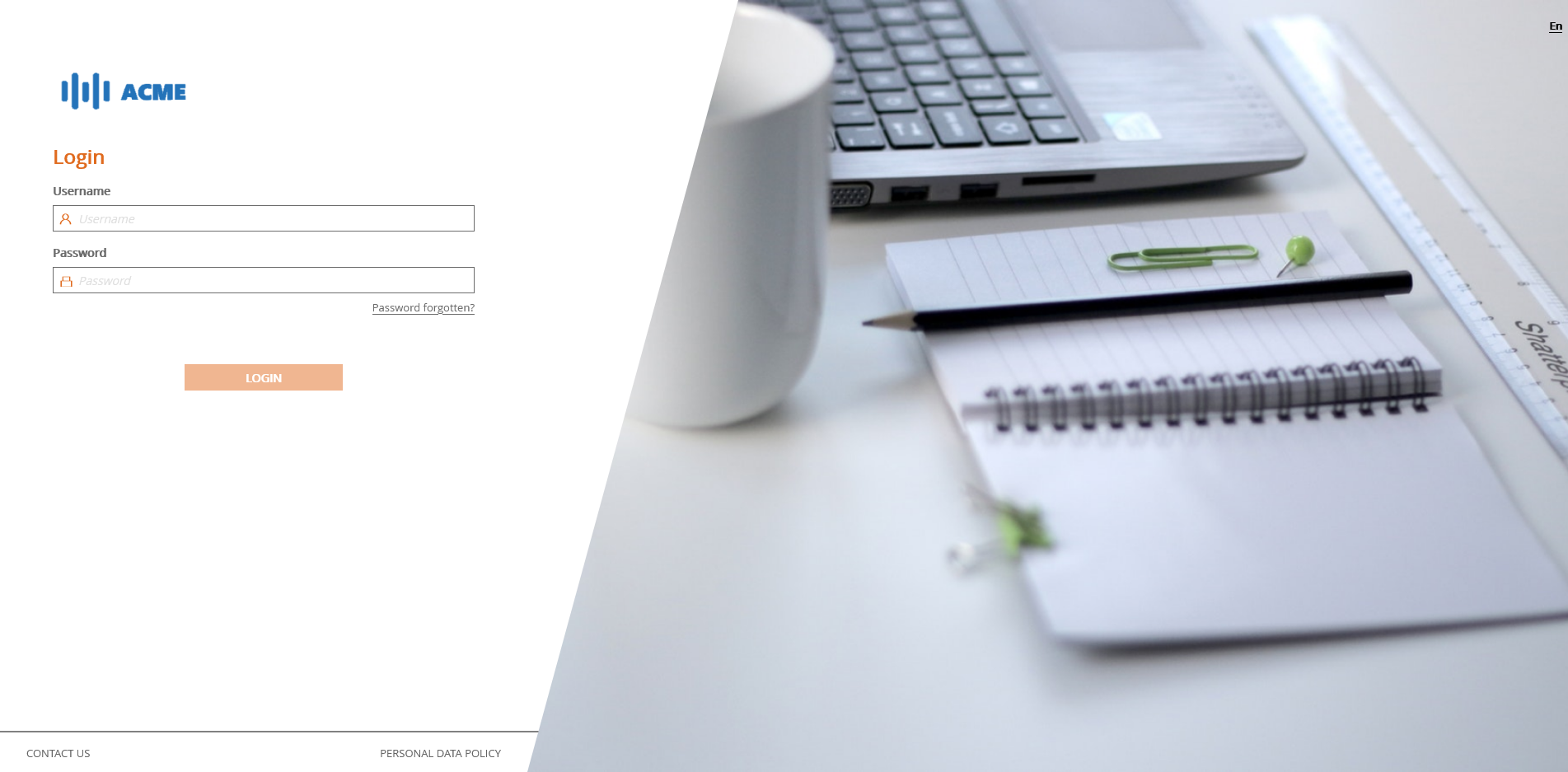
# Login page
# SSO account activation
To enable you to log in to the platform for the first time using an SSO account, you will receive an email containing:
- Your email
- A link to your SSO provider's login interface.
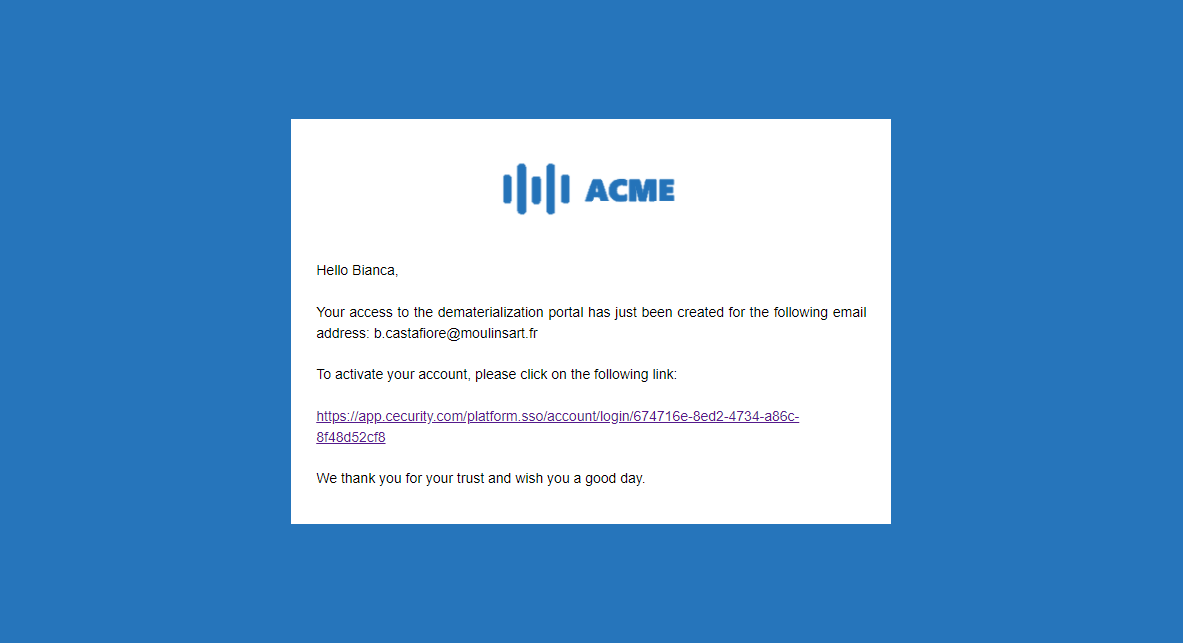
# SSO account activation email
The ACTIVATION LINK will take you to your SSO provider's login page.
Once on your SSO provider's login page, log in using your regular login and password.
If your credentials are correct, your account will be activated and you will be automatically redirected to the SaaS platform interface.
# Incompatibility with Internet Explorer (IE)
💡 Reminder
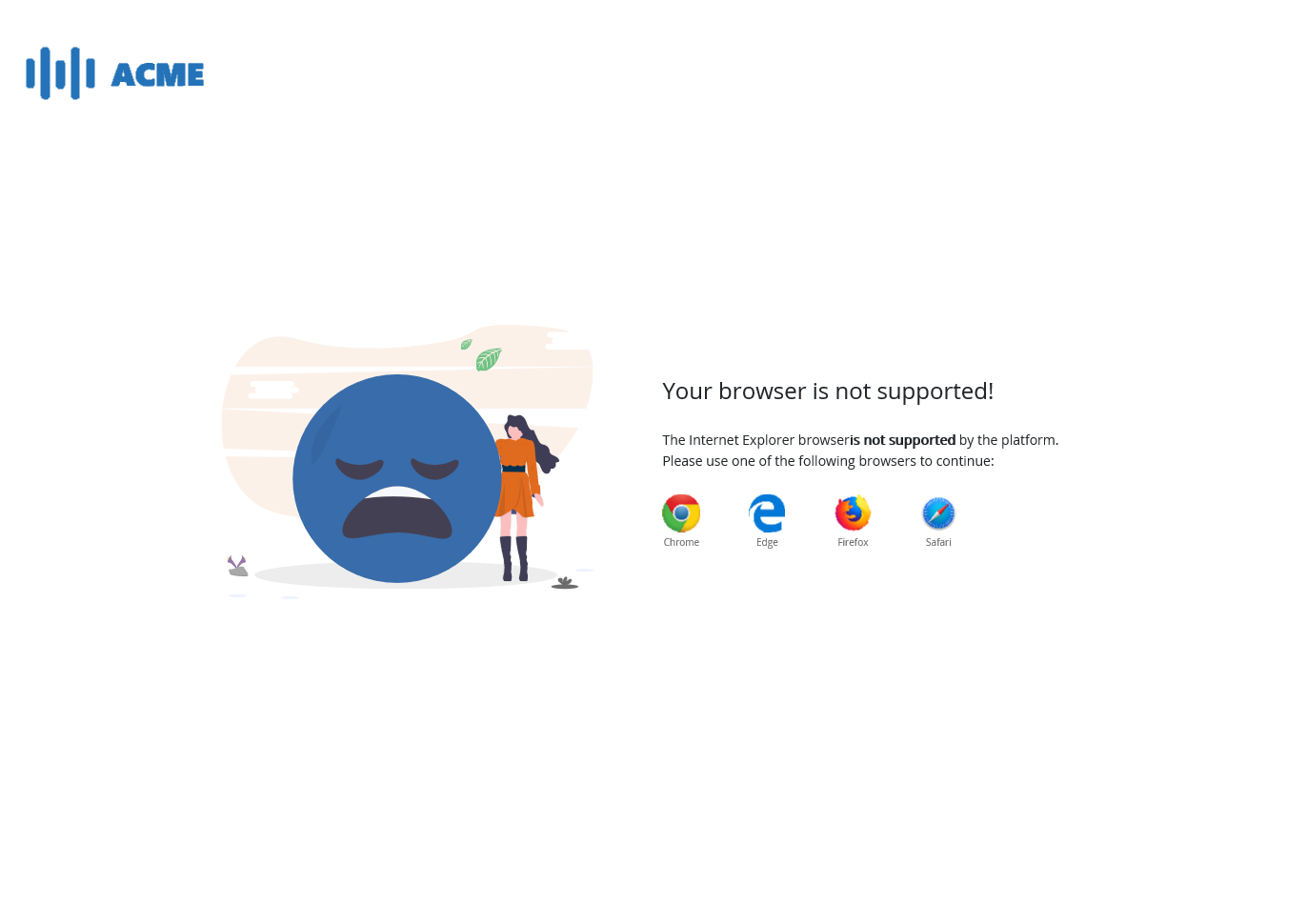
Internet Explorer is not supported by the platform. If you click on the activation button and arrive at the page below, copy the activation link from the email you received and copy it into Chrome, Edge, Firefox or Safari.