# First login with a local account
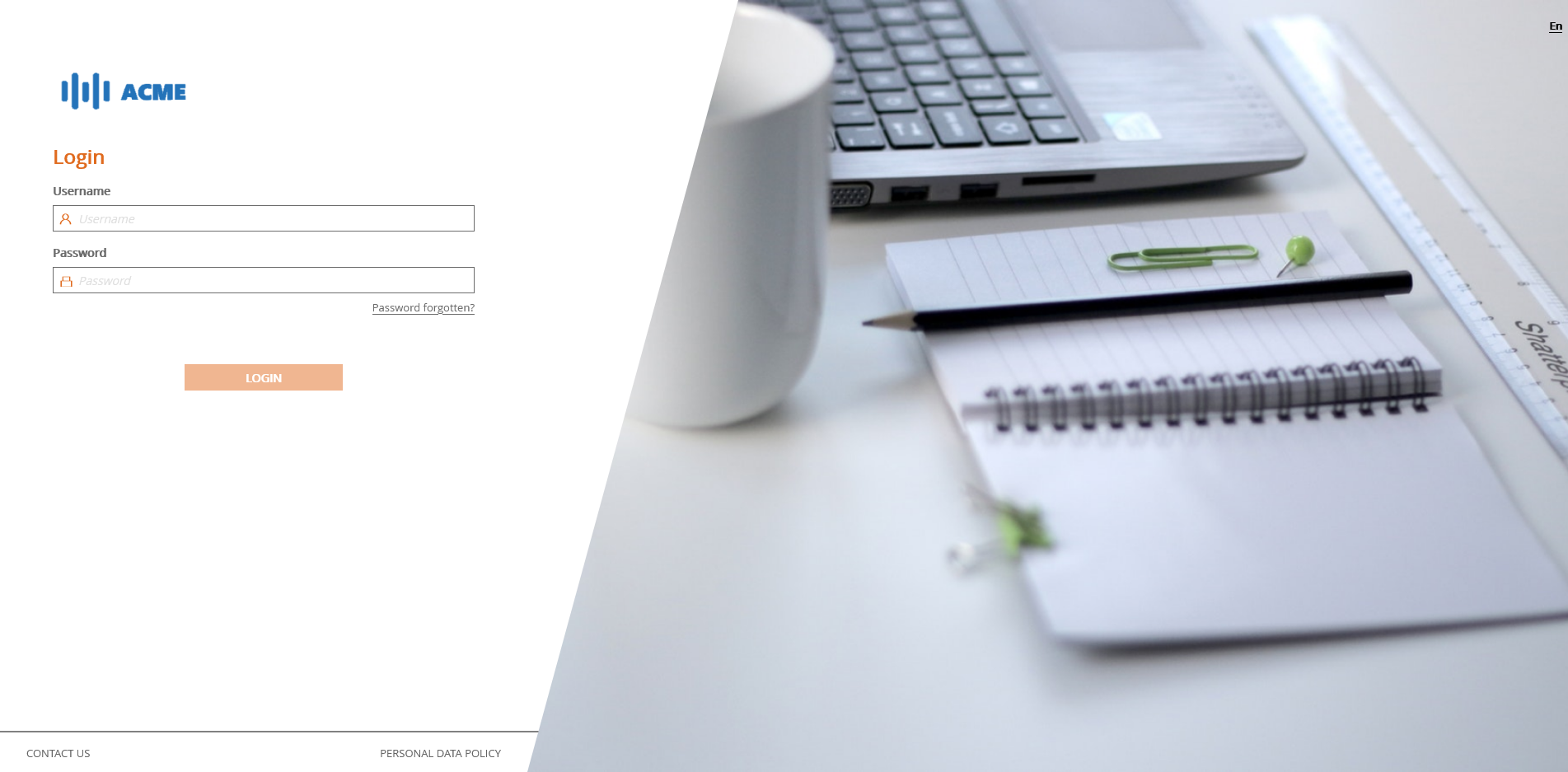
To connect to the platform, go to the link that has been sent to you and then enter your login and the personal password that you defined when you activated your account.
# Login page
# Login with an SSO account
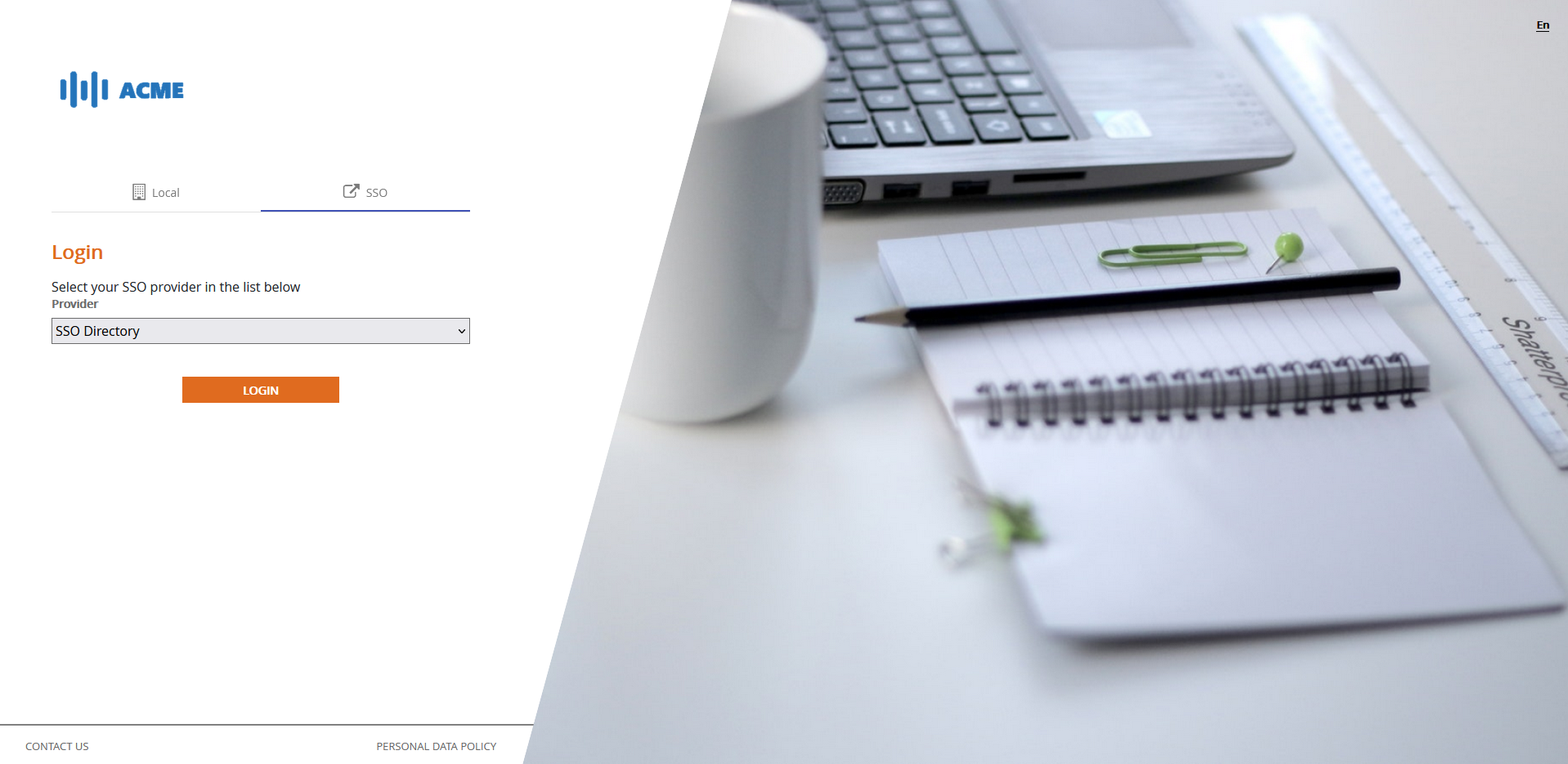
To log in to the platform using an SSO account, go to the link that was sent to you, choose the SSO tab, make sure the repository you selected is the correct one, and then click on the LOGIN button to access your SSO provider's login page.
# SSO login page
💡 Reminder
If you have not yet activated your account, go to the Account Activation page in the left menu.
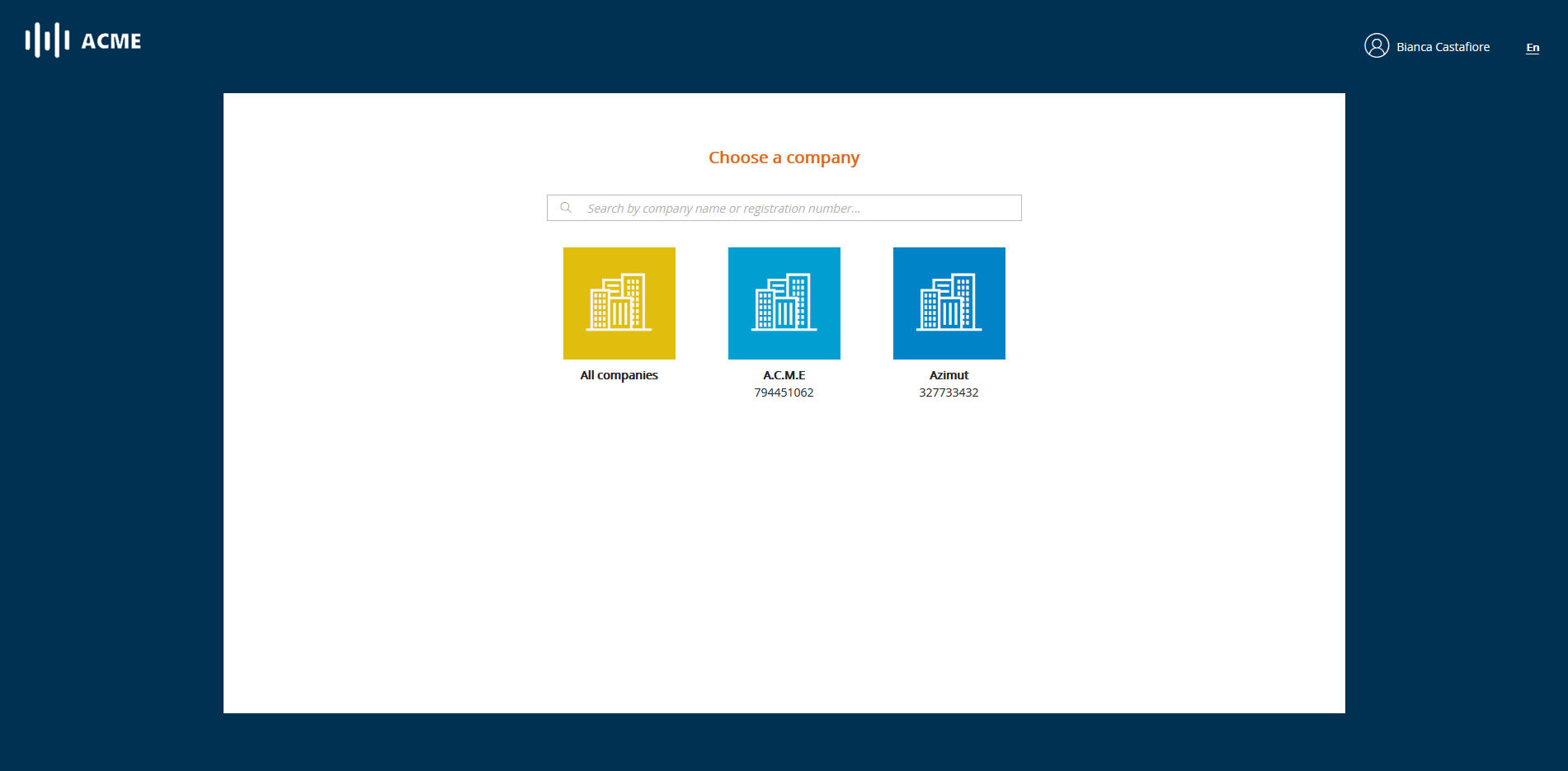
If you manage several companies, you will be taken to the company selection page. Otherwise you will be immediately redirected to the following page.
# Company selection page
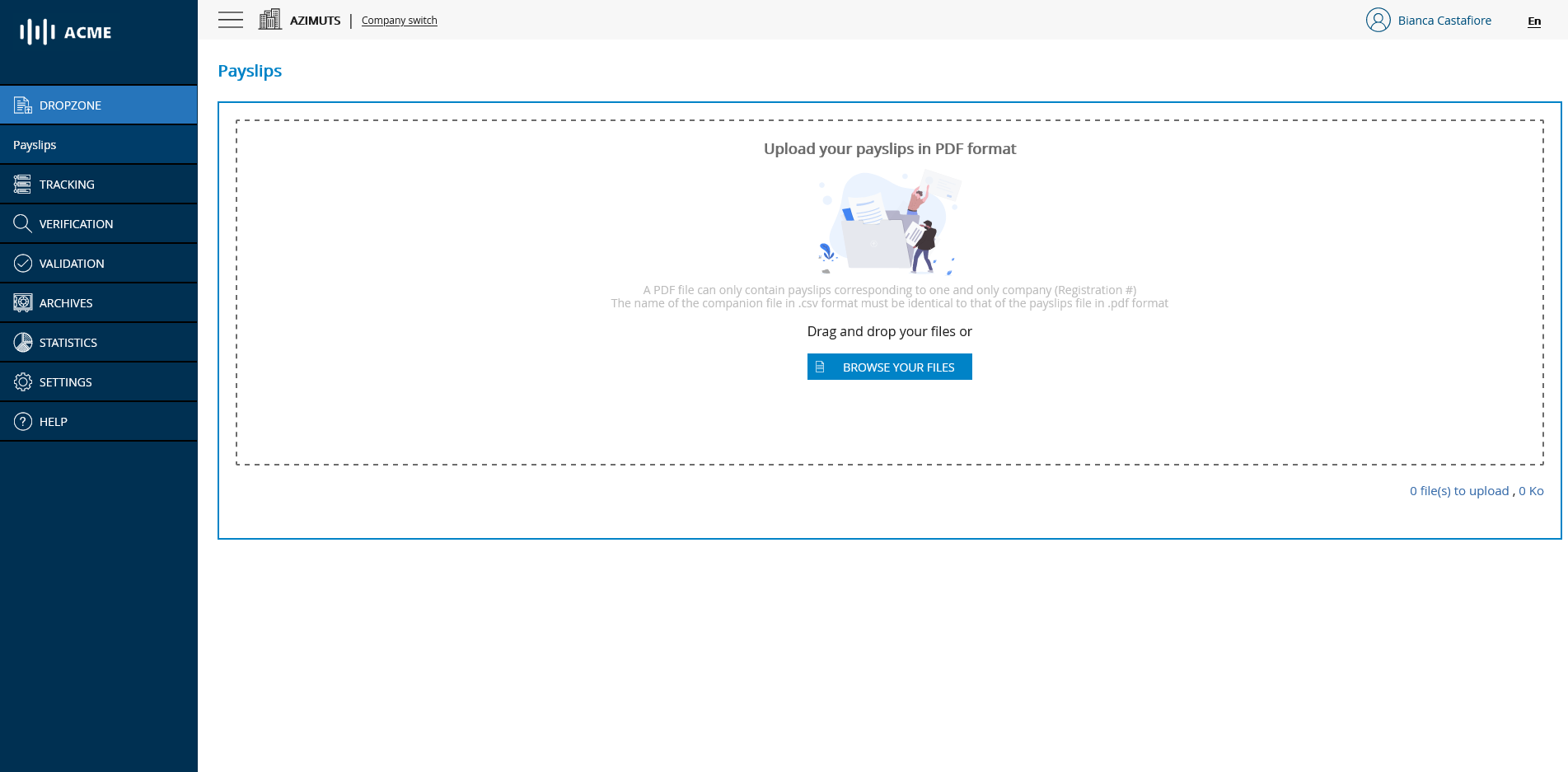
You will then arrive on the main page of the portal and have access to the different modules according to the roles you have been assigned.