# Consulting payroll archives
💡 Reminder
The modules you have access to depend on the role assigned to you by your administrator. In order to view archived documents, you must have the Archives role enabled.
To access archived documents, log in to the portal and go to the ARCHIVES tab. This will take you to the main page of the archiving module.
# Consulting archived pay slips
Go to the payslips sub-menu of the ARCHIVES module
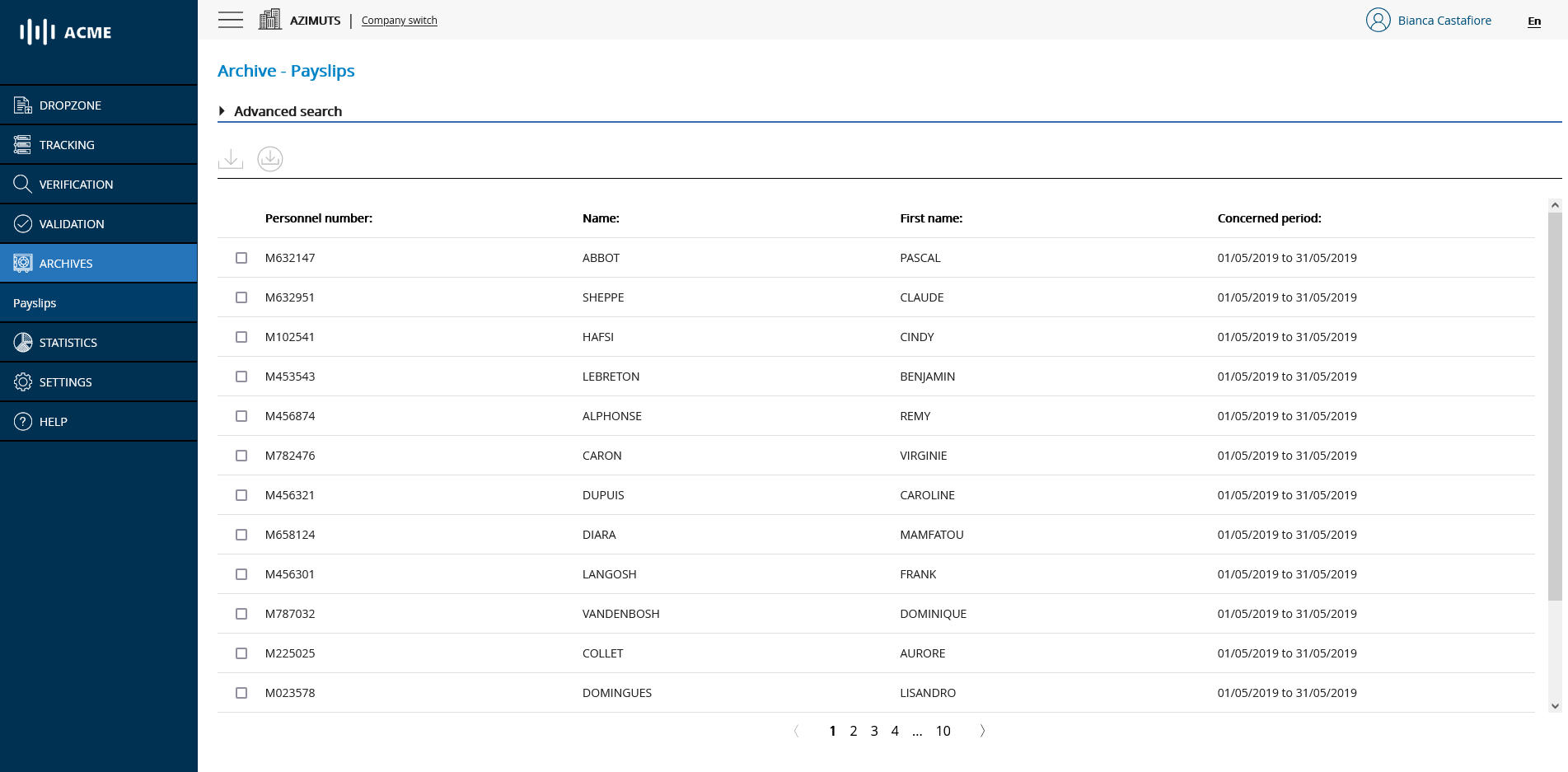
# List of archived documents
By default, the list includes all the archived documents and presents them in the antechronological order of their arrival (from the most recent to the oldest).
# Searching archived pay slips
To search more precisely for one or more documents in your archive space, click on the Advanced Search pane. You can perform a search by combining the desired criteria and then clicking on the Search button.
The Reset filters link allows you to remove your search filters and return to the original list.
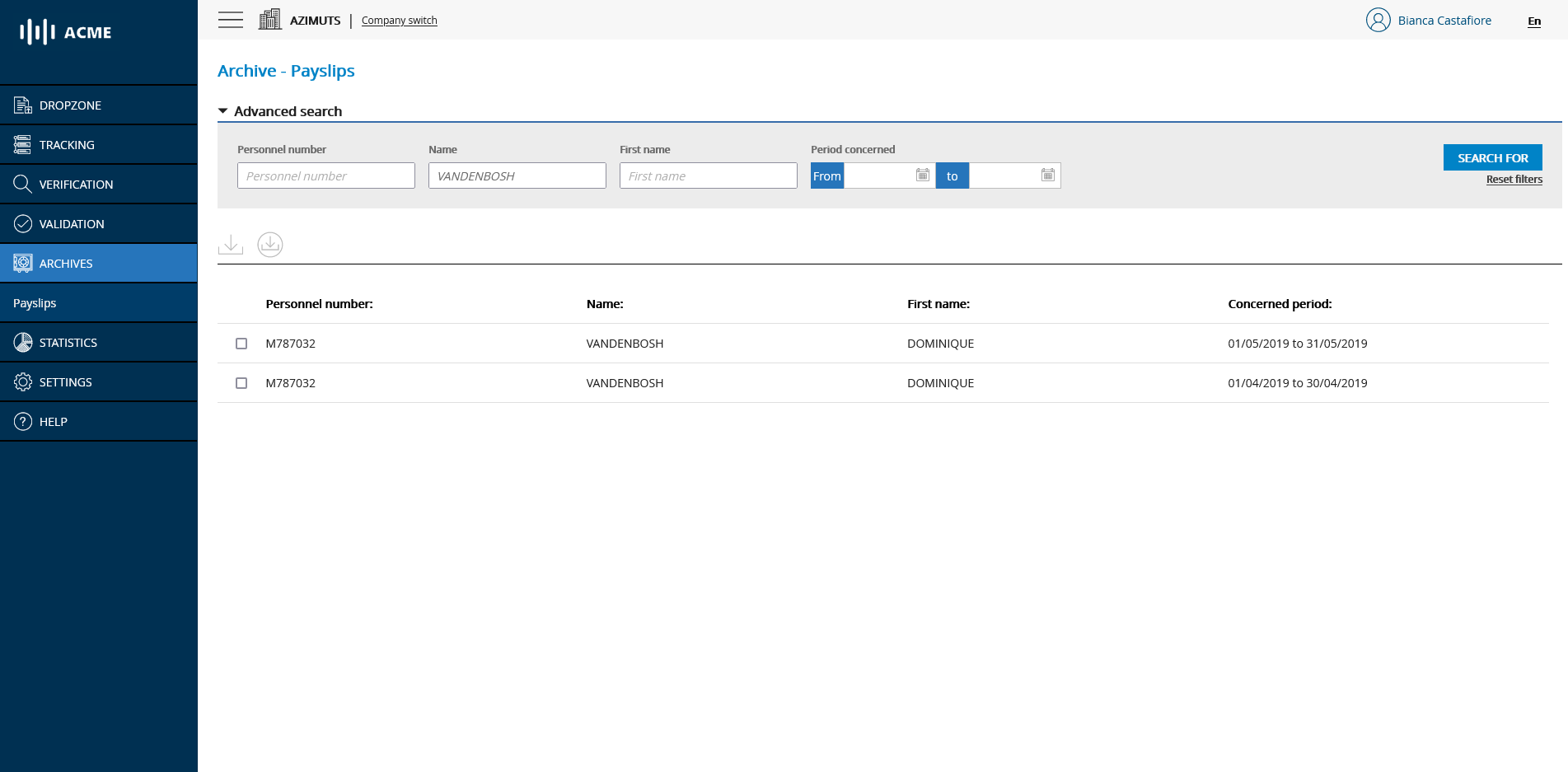
# Searching for an archived document
💡 Reminder
The search fields accept search with operators. For example, to search for all documents with a personnel number ending in 86 you can type *86 in the personnel number field.
# Downloading archived pay slips
You can select one or more documents from the list using the checkboxes and click on one of the download icons to download them:
- The Separate Download icon will allow you to download the documents individually one after the other.
- The Merged Download icon will allow you to combine the selected documents into a single PDF for download.
# Viewing an archived document
To view a document, simply click on it. You will then be sent to the document viewing page allowing you to :
- View the document in the main area
- View the metadata associated with the displayed document
- To "browse" the documents by using the navigation arrows in the top bar
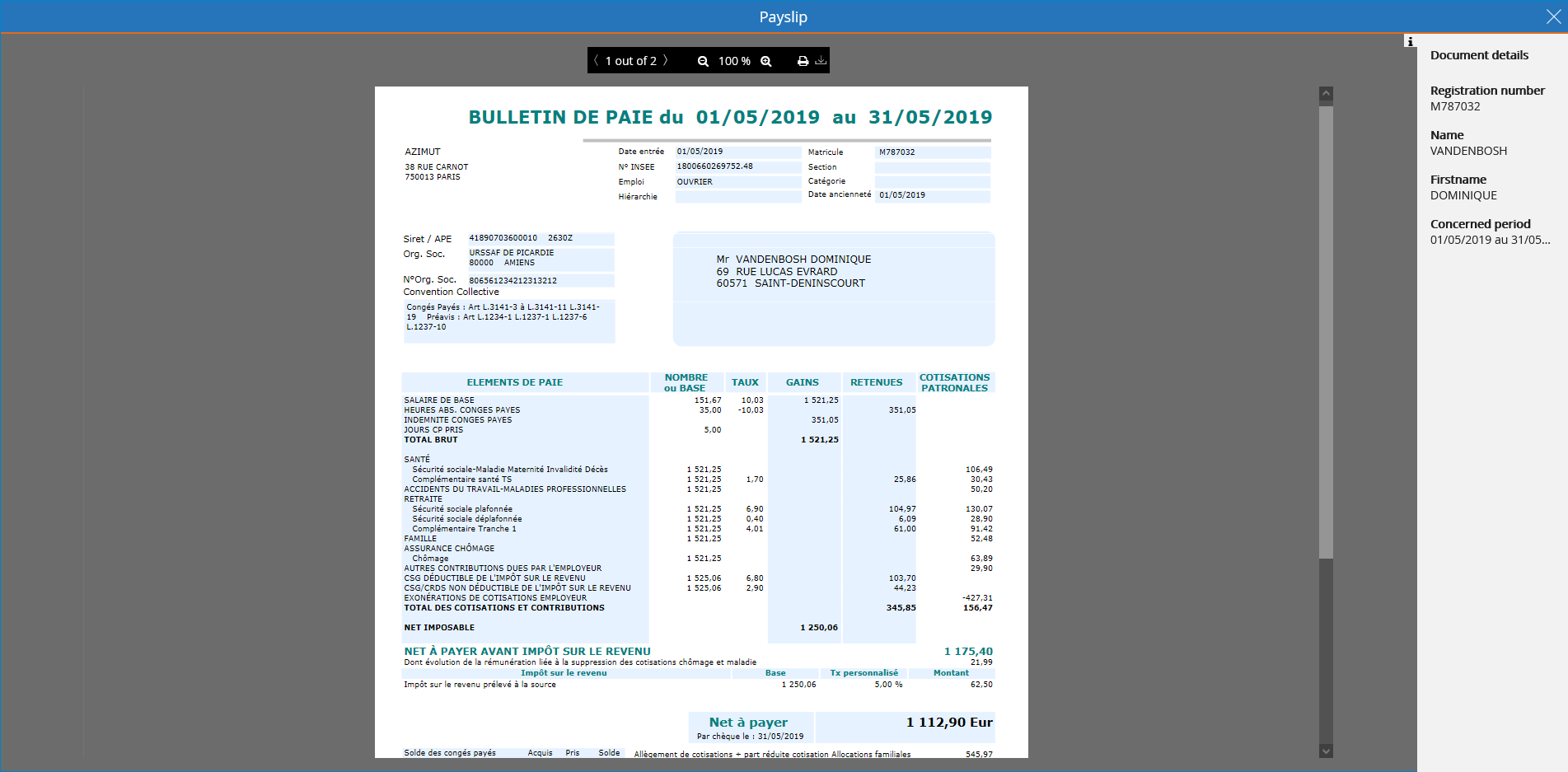
# Archived document viewing mode
💡 Reminder
If the annex management option is activated, the pay slip archiving module will include an additional column entitled Associated annexes allowing you to view the list of possible annexes associated with the pay slip concerned.
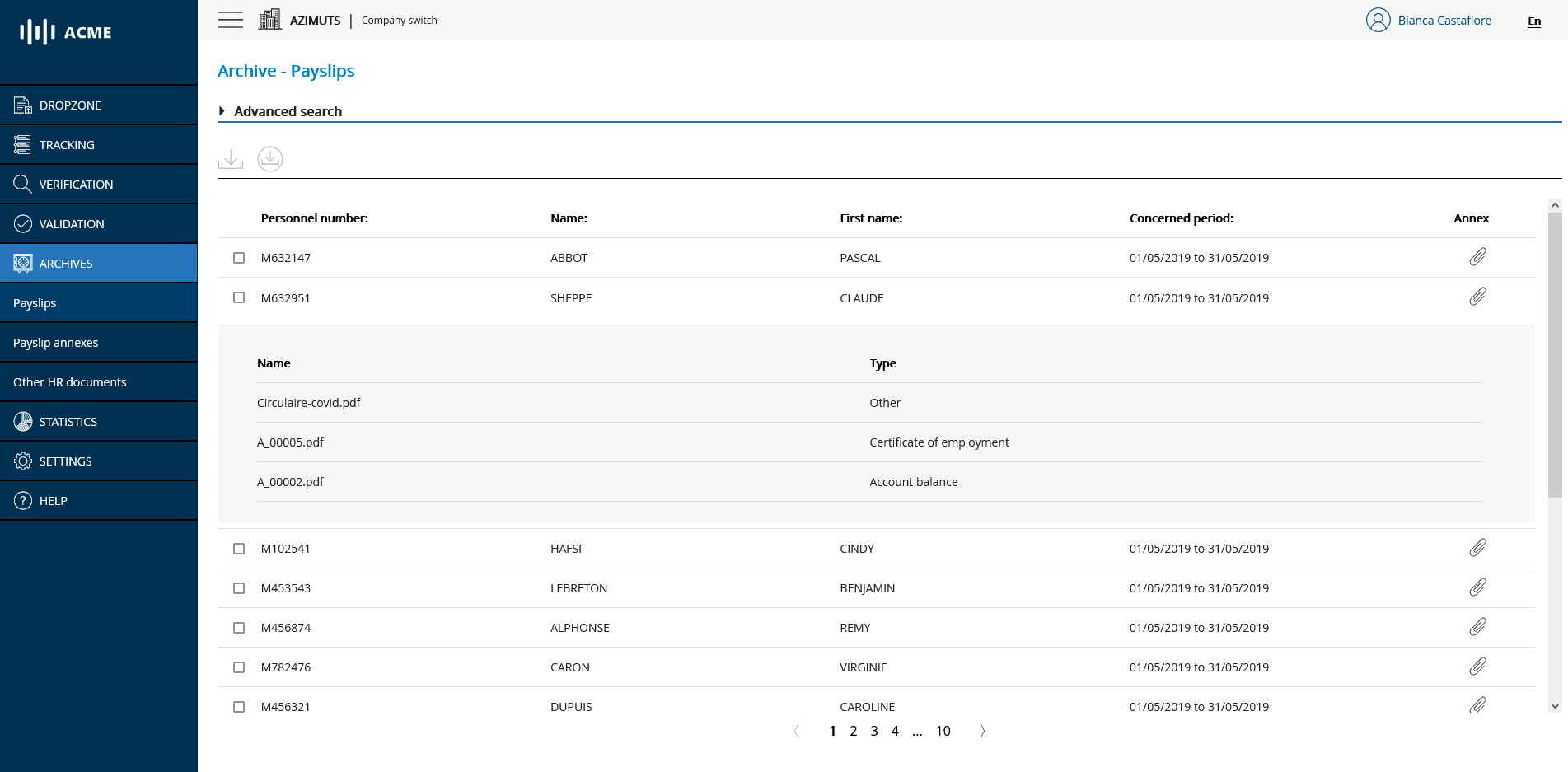
# Archive of pay slips with annexes
# Consulting archived pay slips annexes
💡 Reminder
This type of archive is only accessible if the annex management option is activated.
Go to the pay slips annex sub-menu of the ARCHIVES module
The pay slips annexes archive module works in the same way as the pay slips archive module. It allows you to search, view and download pay slip annexes and to quickly find the pay slip to which an annex is attached.
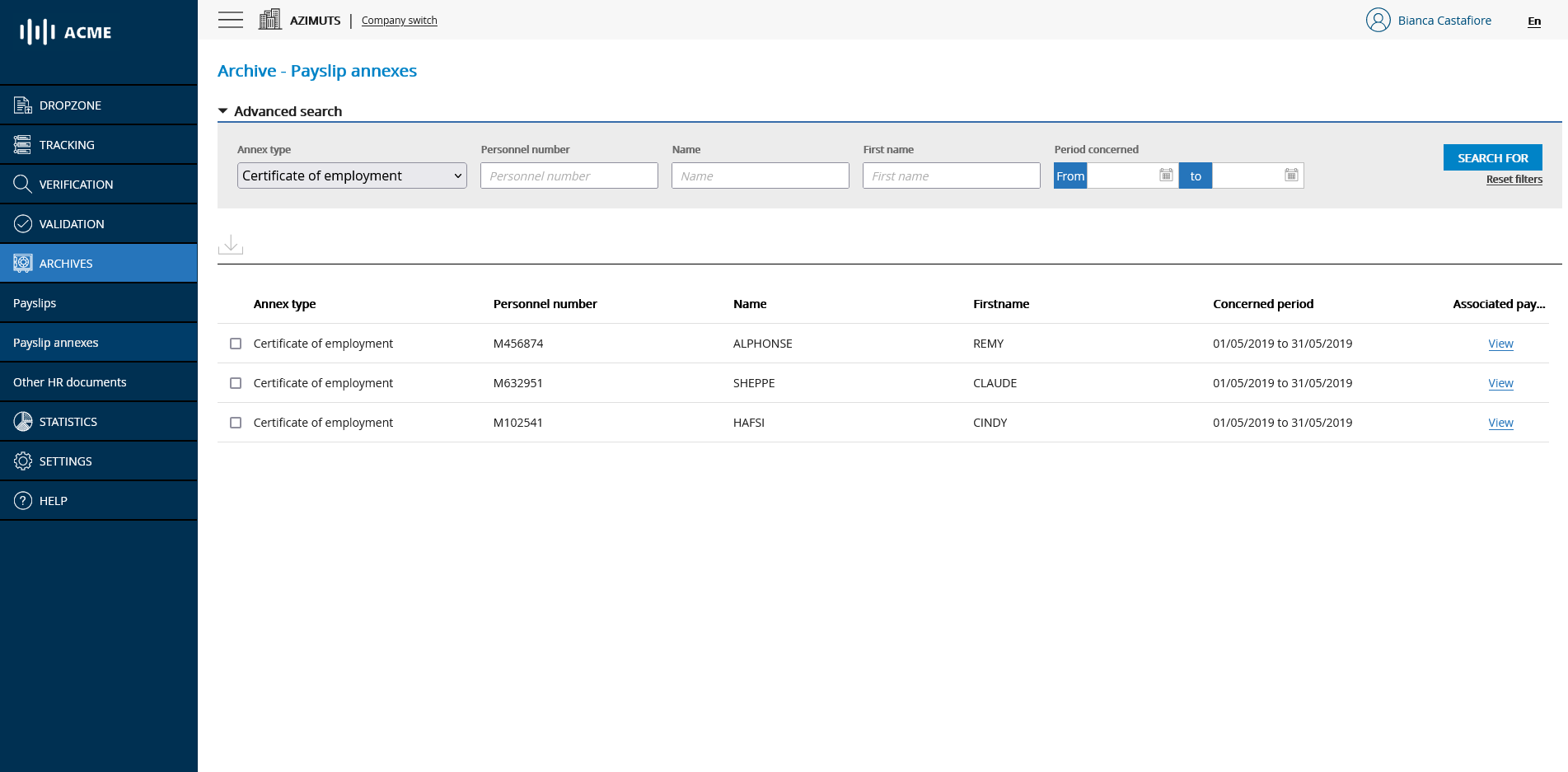
# Pay slips annexes archive
# Consultation of archived other HR documents
💡 Reminder
This type of archive is only accessible if the annex management option is activated.
Go to the Other HR documents submenu of the ARCHIVES module
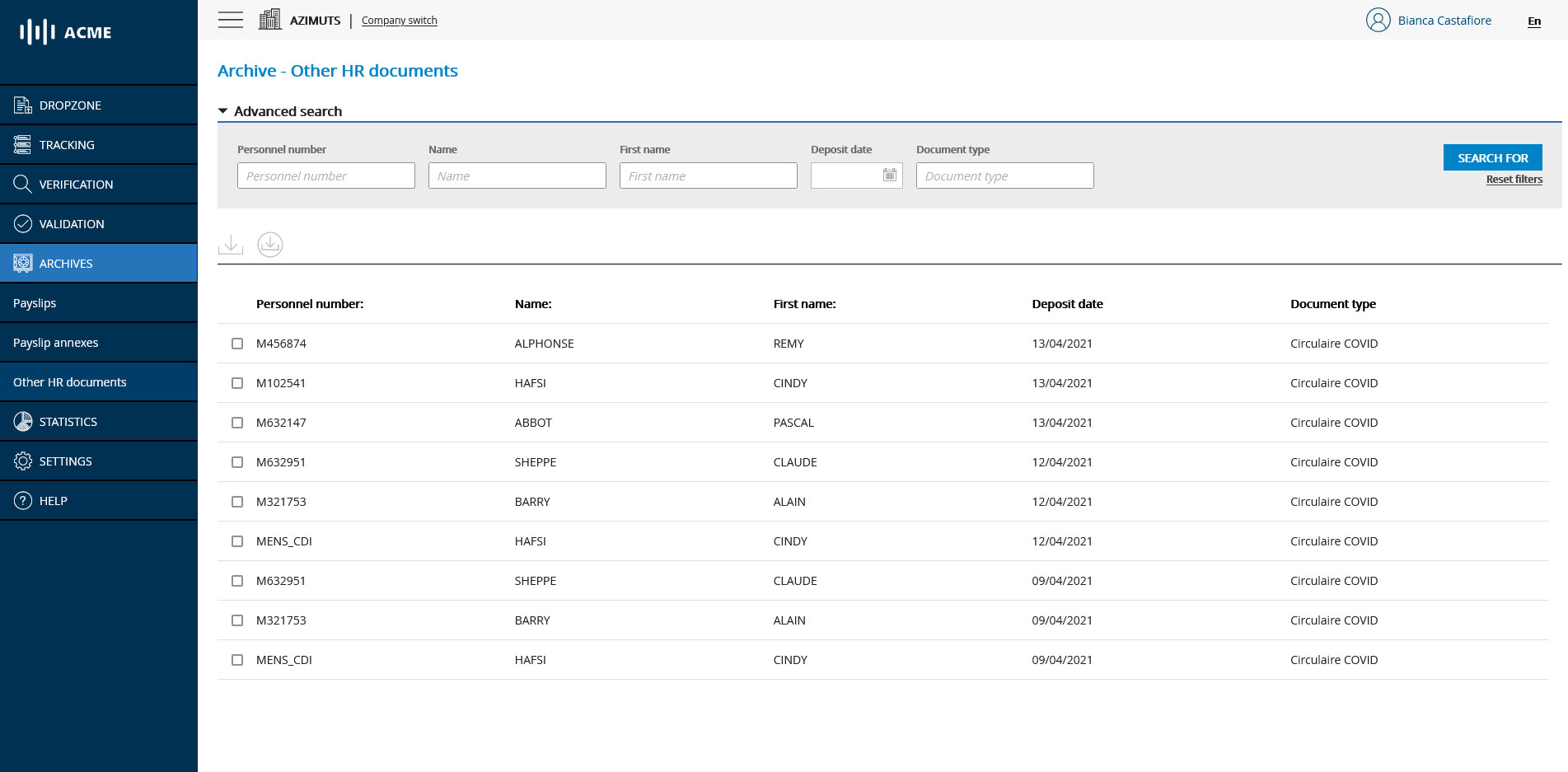
The Archive - Other HR Documents module works in the same way as the Archives - Pay slips module. It allows you to search, view and download other HR documents.